First steps
A first look at building a graph in ZigZag.
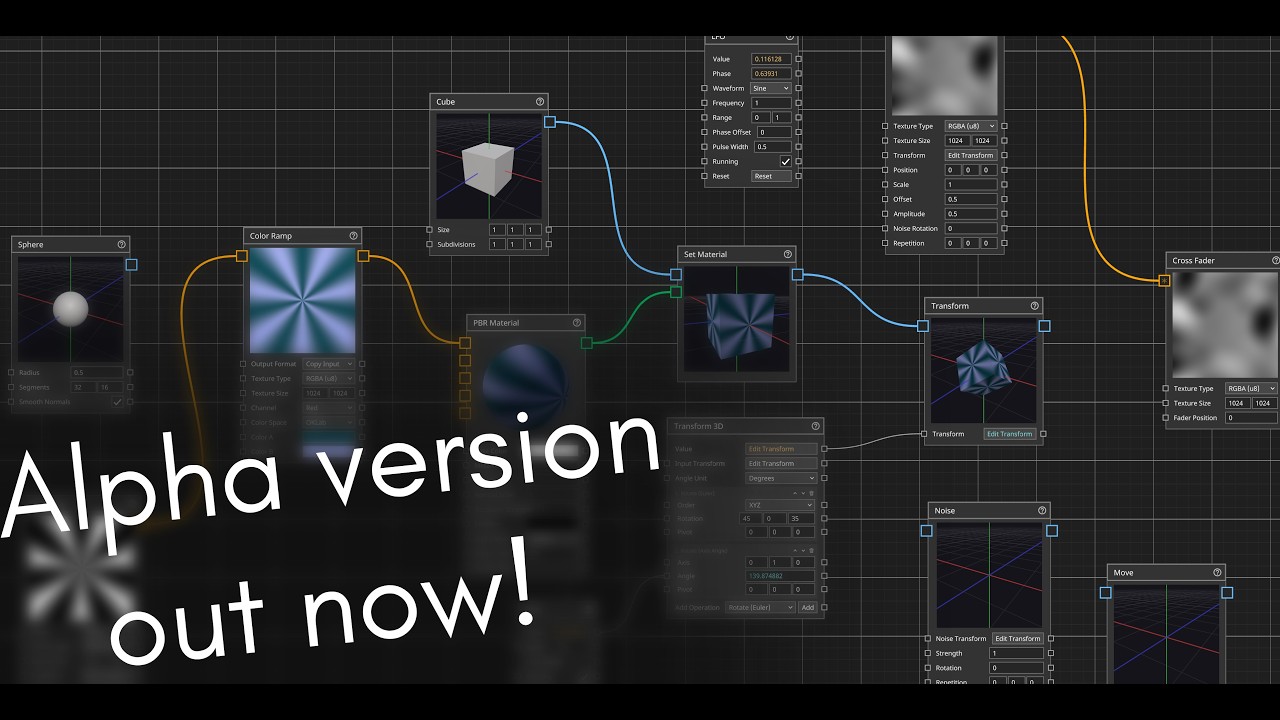
A new project starts with an empty root graph. Press Tab to open the add operator dialog and pick an operator, or drag an image or glTF file onto the graph to get an operator that loads it.
Every operator shows what it produces. Drag from an output to an input to connect two operators, and the result updates as you go. To see a texture outside the editor, add a Window operator from IO/System and connect the texture to it. The window can go fullscreen on any display.
Save the project with Cmd+S on macOS or Ctrl+S on Windows. It is stored as a .zigzagproj file.
The concepts page explains the terms used here, graph, operator, data, parameter, port and connection, and what each is for.